> 🎯
> **Goal**
> Understand an overview of LTE-M / NB-IoT antennas and how to choose the optional antennas available for the Kilo.
* * *
## LTE-M / NB-IoT
The Intelligent Edge Kilo (Kilo) is equipped with cellular network connectivity that supports LTE-M and NB-IoT.
This allows it to connect to the internet even in environments without Wi-Fi or Ethernet, or from moving objects.
> 🚨
> The Kilo's cellular network feature is provided under a dedicated plan. The SIM / eSIM is configured at the factory, and **your own SIM cannot be used**.
## LTE-M
LTE-M is an LPWA (Low Power Wide Area) method that makes use of the existing LTE network. For domestic use, LTE-M is often chosen, while the availability of NB-IoT differs depending on the carrier and region.
### Features
- A type of cellular network with wide-area coverage (depending on the carrier and region).
- Low power consumption.
- Tends to connect relatively easily even inside buildings or in remote areas.
- The communication speed is in the low range (rough guide: around several hundred kbps).
## Connecting the Antenna
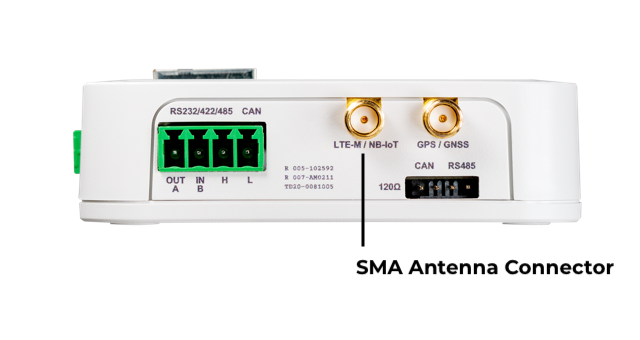
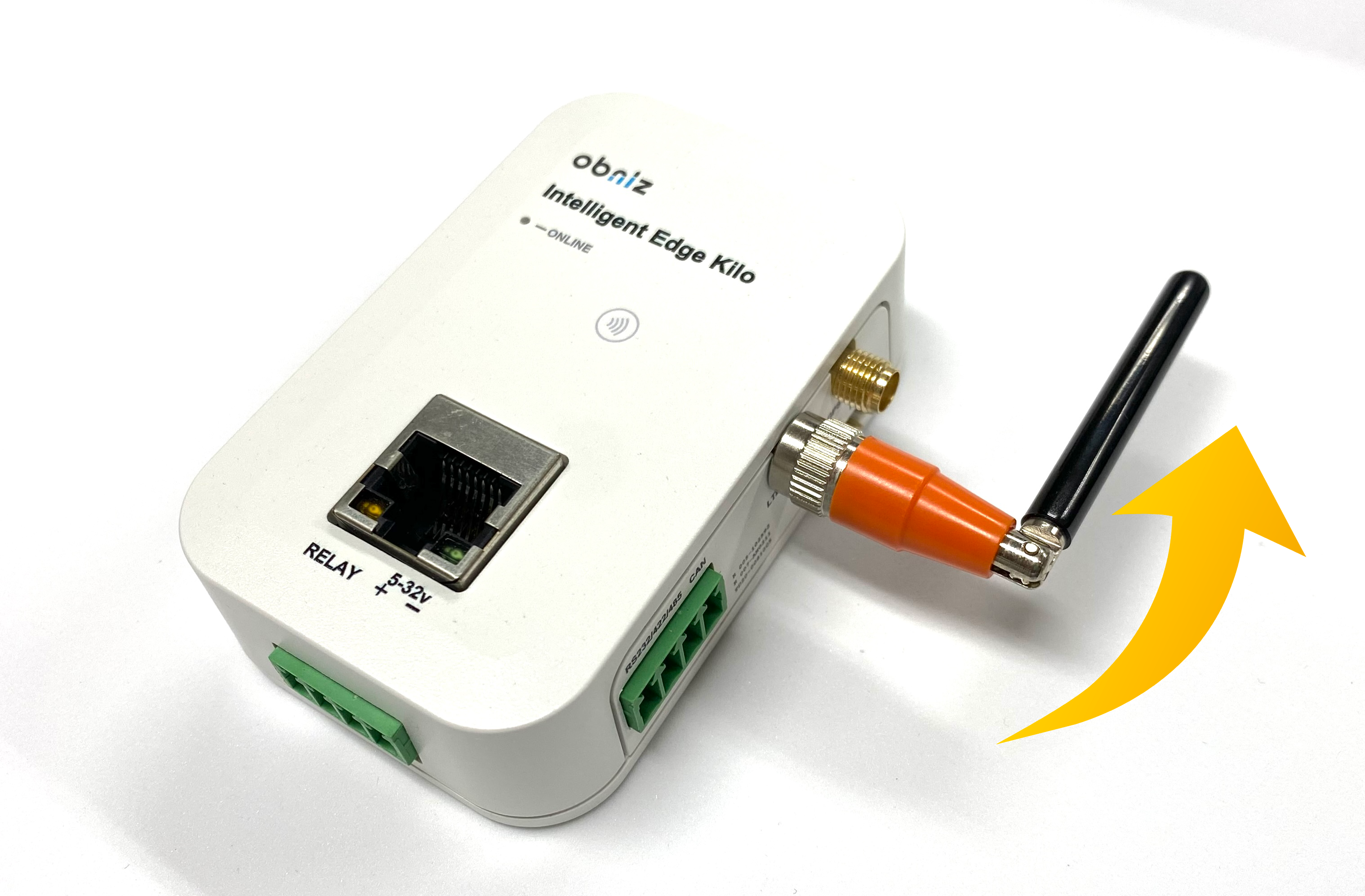
Connect a compatible antenna to the SMA connector printed with "LTE-M / NB-IoT" on the side of the Kilo. Align the antenna straight and tighten it **by hand until it stops** to secure it.
👉 No tools are needed. Tightening it just enough, about as tight as a jam jar lid, is sufficient (avoid over-tightening).
## Optional LTE-M / NB-IoT Antennas Usable with the Kilo
The Kilo comes with an LTE-M / NB-IoT antenna, but you can also use optional antennas depending on your environment. The following are representative examples that can be attached in Japan.
> ❗
> RP-SMA (reverse SMA) cannot be used. It looks similar, but the internal pin arrangement is different and it is not compatible.
| Part number | Type | Features | Source |
| --- | --- | --- | --- |
| DELTA1A/X/SMAM/S/S/11
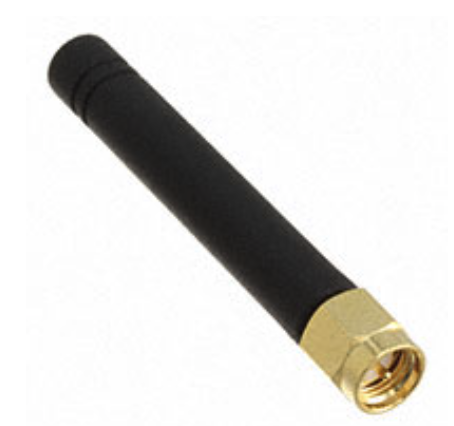 | Rod antenna | Temperature range: -20 to +60 ℃ | [Product page (Mouser Japan)](https://www.mouser.jp/ProductDetail/Siretta/DELTA1A-X-SMAM-S-S-11?qs=QNEnbhJQKvZMZQTjGyjQyQ%3D%3D)/ [Sales page (MonotaRO)](https://www.monotaro.com/p/4715/2639/) |
| TG.08.0113
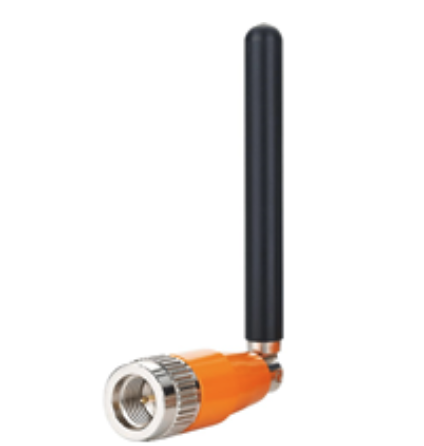 | Rod antenna | Temperature range: -40 to +85 ℃ | [Product page (Mouser Japan)](https://www.mouser.jp/ProductDetail/Taoglas/TG.08.0113?qs=JbASvl9PsS17ajPV2Gadew%3D%3D)/ [Product page (DigiKey Japan)](https://www.digikey.jp/ja/products/detail/taoglas-limited/TG-08-0113/5120279) |
| GSA.8822.B.301111
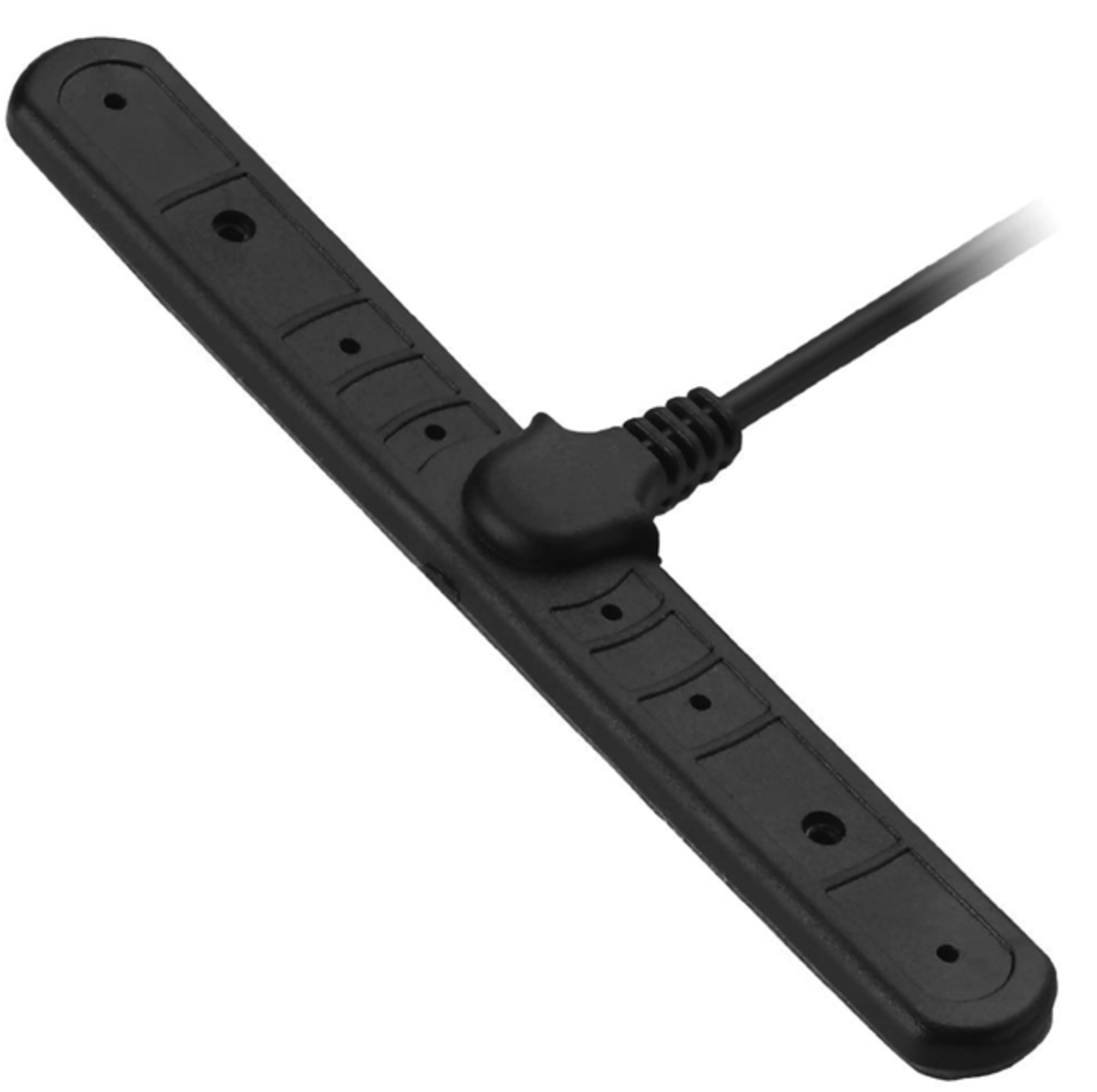 | With cable | Temperature range: -40 to +85 ℃/Cable length: 3 m/Waterproof and dustproof: IP67/Double-sided tape included | [Product page (Mouser Japan)](https://www.mouser.jp/ProductDetail/Taoglas/GSA.8822.B.301111?qs=MLItCLRbWswm8XVZZ6MleQ%3D%3D)/ [Product page (DigiKey Japan)](https://www.digikey.jp/ja/products/detail/taoglas-limited/GSA-8822-B-301111/9972801) |
| GA.111.101111
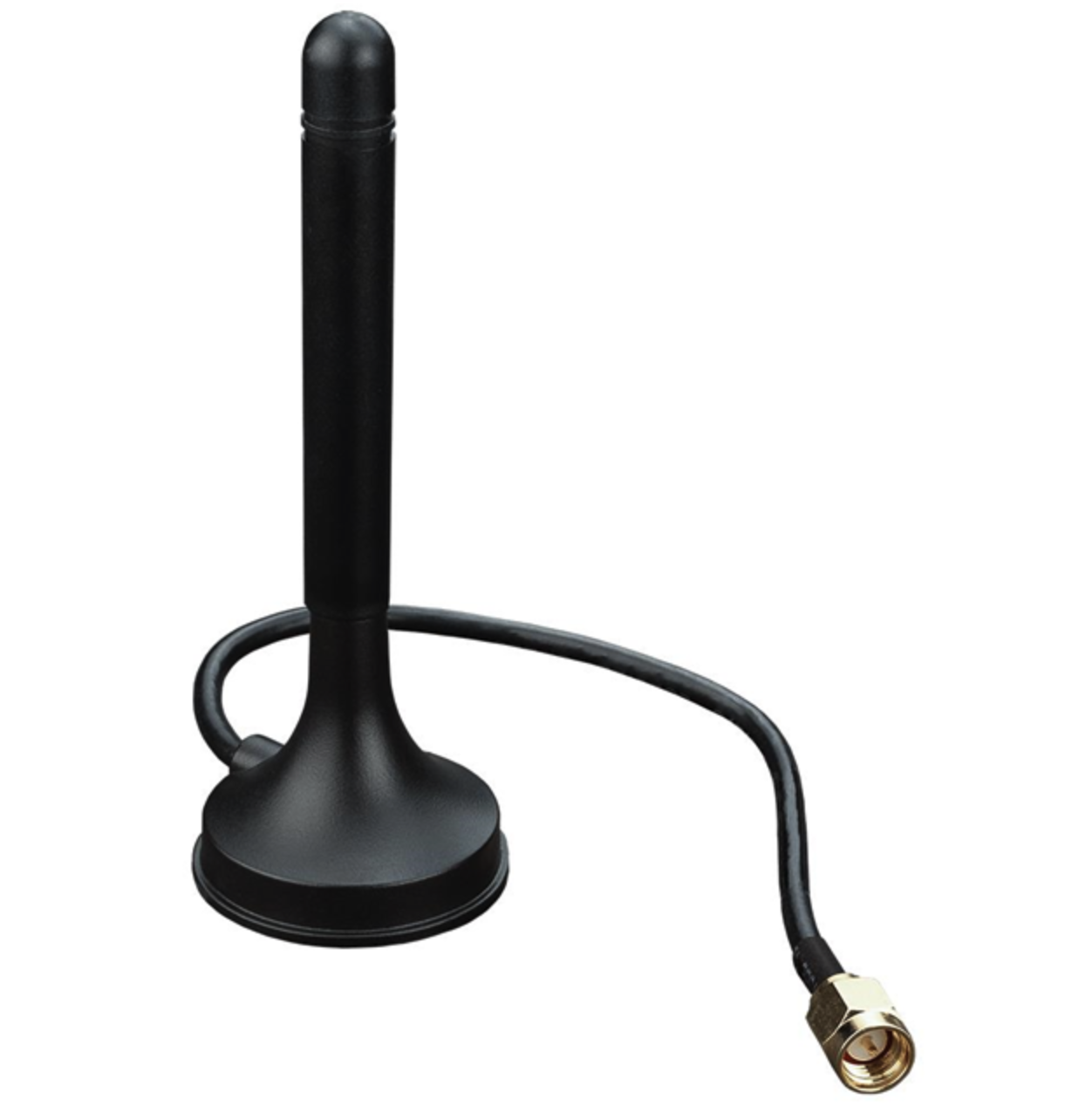 | With cable | Cable length: 1 m/Waterproof and dustproof: none/Magnetic mount (vertical 1.8 kgf, horizontal 0.8 kgf) | [Datasheet](https://www.taoglas.com/datasheets/GA.111.101111.pdf)/ [Product page](https://www.taoglas.com/product/ga-111-101111-3dbi-mini-magnetic-mount-698960mhz-17102700mhz/) |
## Checking the Communication Status
After power-on, if the LED is blinking **twice per second**, an LTE connection is in progress. If it stays steadily on, communication has not been established. Check the antenna, the installation location, and any surrounding obstructions.