
You can use API integration to access the data of devices registered in obniz Now from external services.
When you open Admin > API Keys in the sidebar, a list of issued API keys is displayed.
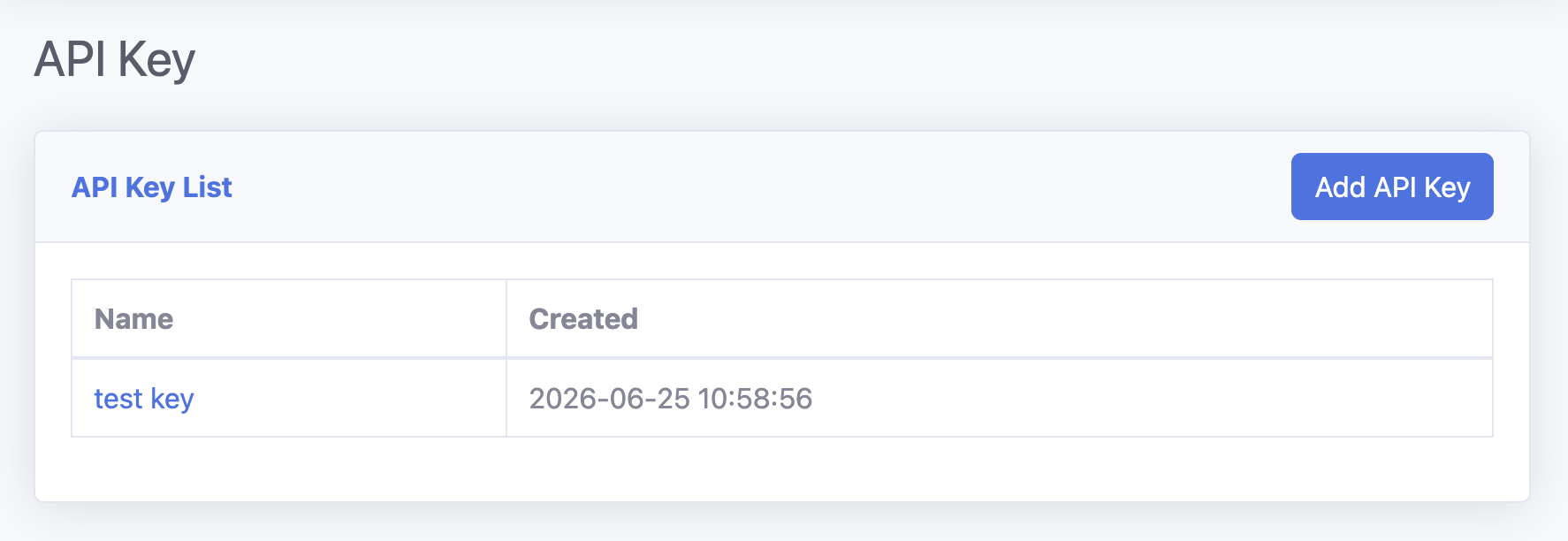
API-key management requires an owner and a plan with API keys enabled. See plan and usage.
Creating an API Key
By clicking Add API Key, you can issue a token for using the API.
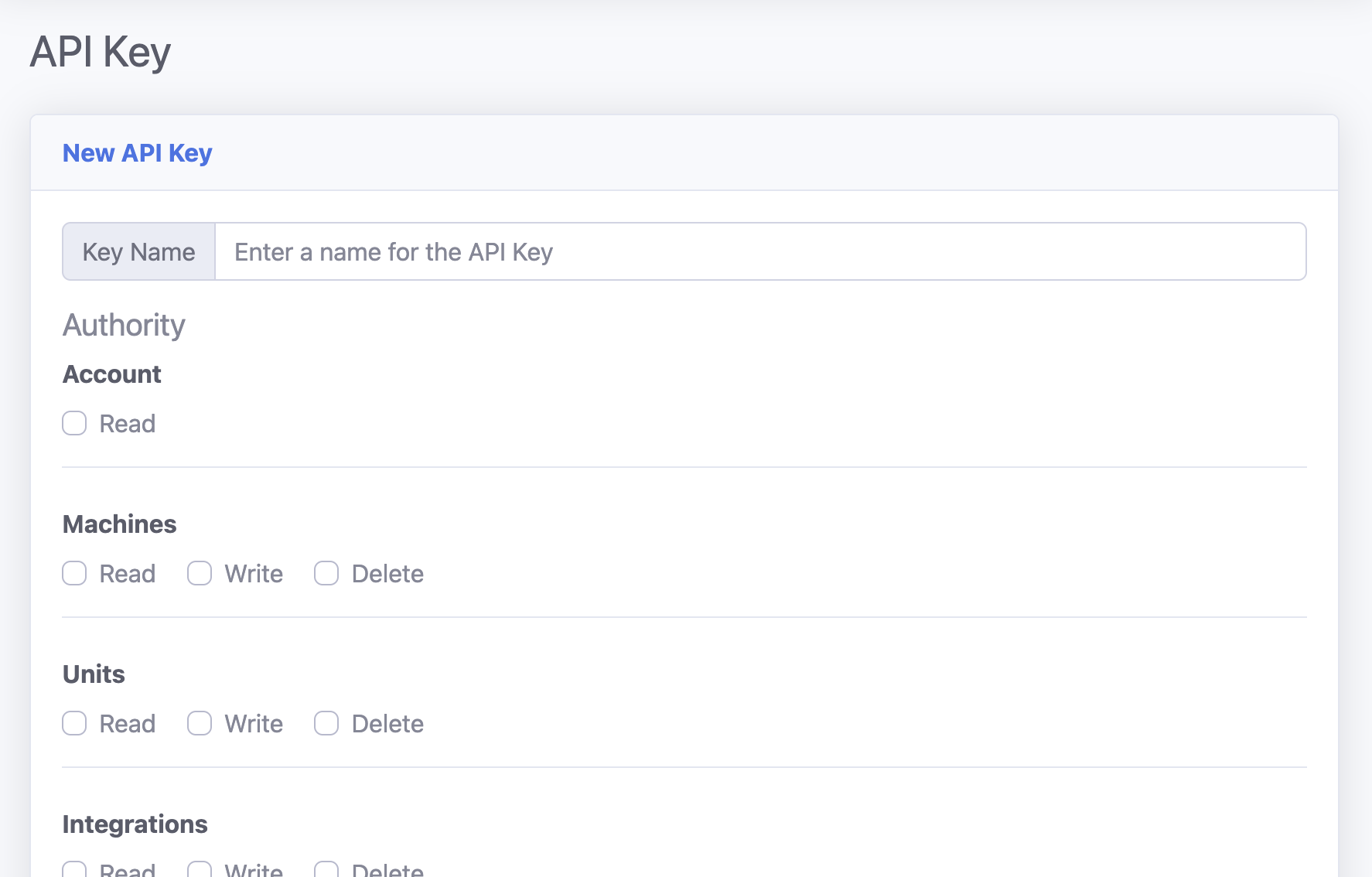
Choose authentication for the caller
Use this key for server-to-server integration. Do not include it in HTML or JavaScript sent to users. External Web apps use User sessions. See API authentication for selection guidance and an HTTP example.
Changing grants does not change the token. To stop access, delete the key to revoke it and update the caller configuration. If a token may have leaked, revoke the old key and replace it rather than only reducing its grants.