
Except for the common login screen, you can restrict the source global IP addresses allowed to access an Account. Restrictions apply to the relevant API calls and inbound-source submissions as well as screens.
IP Restriction
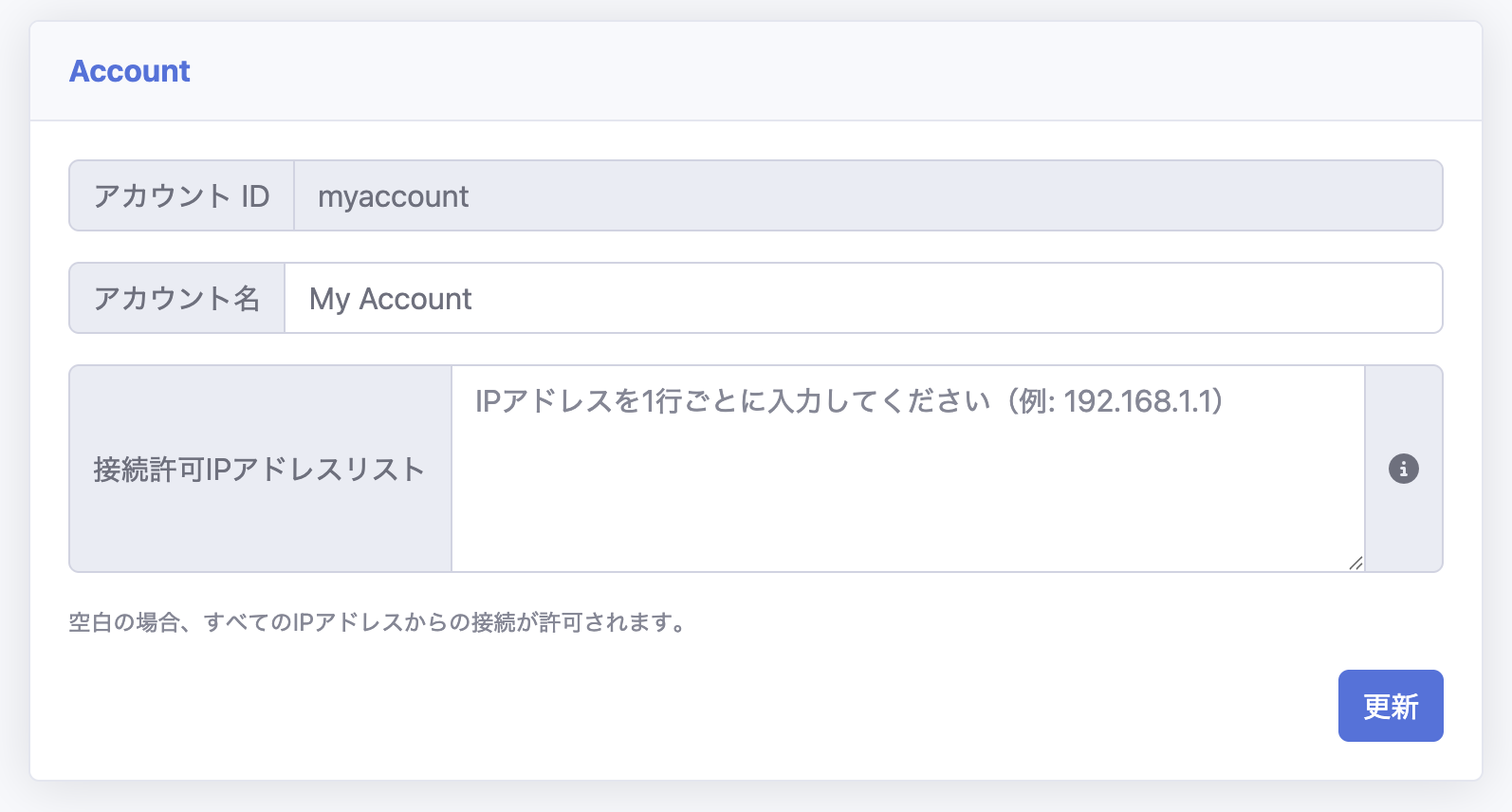
From Admin > Account in the sidebar, enter one or more IPv4 addresses, one per line, into the Allowed IP Address List. Include the source IPs used by API clients and gateways sending data.
External Web application permission
Global IP restrictions and Allowed Browser Origins are separate settings. The former filters source IPs; the latter permits an external Web app Origin. Allowing an Origin does not bypass IP restrictions or User permissions.